
SMHUB NANO MG24
By SMLight
(SMLight) – Standalone Linux home automation hub featuring the EFR32MG24 chip, supporting Zigbee2MQTT, Node-RED, and Matterbridge.

This page has been visited ... times
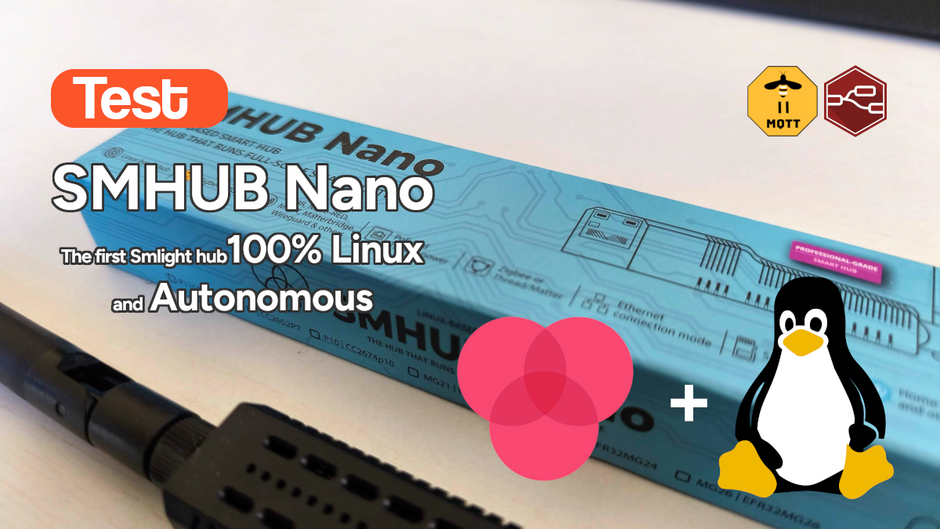
After testing the SLZB-MR4U multi-radio dongle, I’m turning back to the SMLIGHT brand for a radically different yet equally exciting product: the SMHUB NANO MG24.
Unlike the brand’s other products, which are essentially Zigbee/Thread coordinators, the SMHUB NANO MG24 is a genuine standalone micro-server based on Buildroot Linux and named SMHUB-OS. The concept is simple: host your home automation software directly on the hub to eliminate reliance on a central Home Assistant server or the cloud for critical automations.
This represents a minor revolution for decentralized installations or remote sites!
The form factor is identical to the SLZB-06 series. It’s compact, sturdy, and exudes quality. Photos on the official website show a super-smooth web interface where each service (Zigbee2MQTT, Node-RED, Matterbridge) is managed as an independent application.
Consistent with the brand’s other products, it’s simple and efficient:
And that’s it: you plug it in, run the update, and it works.

Once disassembled, we find a system similar to the brand’s other products; here, it features a Silicon Labs EFR32MG24 Zigbee 3.0 chip.
As always, everything is well assembled—all that’s left is to use it!

The SMHUB NANO is not just a gateway. It is a device running SMHUB-OS, an optimized Linux distribution. Since hardware revision 0.98, the hub supports USB Host mode (via a powered hub), allowing for the connection of Z-Wave dongles or 4G/LTE modems; this extends its capabilities far beyond the Zigbee support natively provided by the EFR32MG24 chip.
v1.0.0 beta 5
This is the latest version in the series; it still has quite a few bugs, but the system is functional overall. I ran into several issues during the update process, but fortunately, SMLIGHT provides a custom flashing tool compatible with Windows, Linux, and Mac. Thanks to this utility, I was able to easily upload the latest firmware version.
v0.9.9 TL published on April 1, 2026
/mnt/sdcard)Update v0.9.6.dev* The latest major update to SMHUB-OS (v0.9.6.dev, dated February 28, 2026) brings critical improvements:
smhub-irctl or smhub-buzzerctl.The dashboard is comprehensive, and the additional and complementary applications are diverse—so much so that it is difficult for me to showcase every page on this site.

To better showcase the UI of the SMHUB NANO MG24, I created this short video; as of firmware version 0.9.9, the system is impressively smooth and fast—and the whole thing fits into a single dongle.
Under the hood lies a robust configuration designed for 24/7 operation. As a reminder, the SMHBNano MG24 runs entirely on Linux—specifically a custom version called SMHub-OS—and SMLIGHT has pulled out all the stops to avoid excessive latency.
| Component | Specification |
|---|---|
| Radio Chip | Silicon Labs EFR32MG24 (Zigbee, Thread, Matter) |
| Processor | Dual-core, 1 GHz + 700 MHz |
| RAM | 512 MB |
| Storage | 8 GB eMMC |
| microSD | Available, supports up to 2 TB |
| Operating System | Linux kernel (Buildroot) with modular application support |
| Kernel | Linux 6.18 (Latest stable version) |
| Network | 100 Mb Ethernet + Dual-band Wi-Fi (2.4/5 GHz) + BT |
| USB Host | Available (Rev 0.98+) for Z-Wave, LTE, etc. |
| Power Supply | USB-C (5V) or PoE (802.3af) |
The SMHUB NANO offers three main, fully autonomous modes to integrate into your ecosystem:
A standout feature of the SMHUB NANO is its ability to form Thread mesh networks across multiple hubs. If you have several SMHUB units, they work together to seamlessly extend Thread coverage. Additionally, with Matterbridge, you can expose your Zigbee devices directly via Matter to Google Home or Apple Home without any cloud dependency.
To enable USB Host mode, go to Settings → USB and restart the hub.
The SMHUB-OS web interface is a model of its kind. Everything comes pre-installed; you can activate the services you need with a single click.
For those who want to go further, root SSH access is available. It is an open system!
One of the most interesting use cases involves Matterbridge. You connect your Zigbee sensors to the SMHUB NANO via Zigbee2MQTT, and Matterbridge instantly exposes them to your preferred ecosystem (Apple/Google/Amazon) without requiring a full Home Assistant server. It is the ideal solution for adding smart home capabilities to a parents’ house or a vacation home with ultra-reliable performance.
Despite receiving relatively low ratings on Domadoo—likely due to early firmware versions—this dongle is well worth buying and trying out. If you are looking to decentralize your smart home setup or create a universal, ultra-powerful Matter gateway, the SMHUB NANO MG24 is arguably the best choice available today. It is stable and high-performing, and the system’s openness allows for endless customization possibilities. SMLIGHT once again confirms its position as a leader in “pro-grade” coordinators and hubs.
I recommend it 100% for its versatility and robustness!
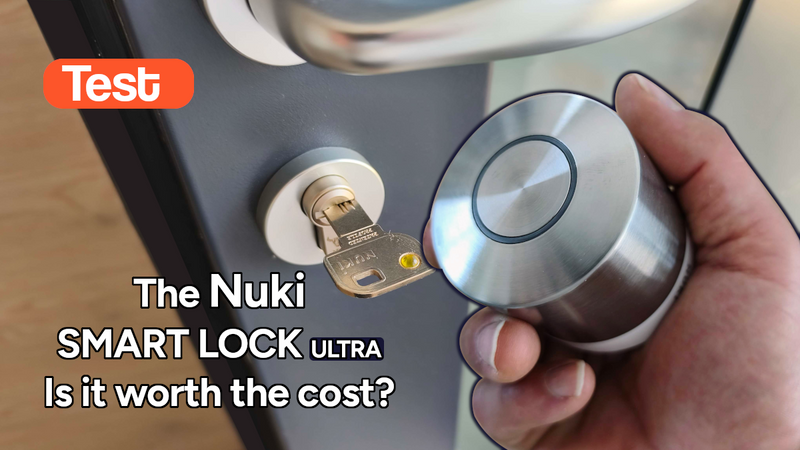
Some time ago I tested the Tedee Go smart lock and its accessories. The product left me with an unfinished feeling: noisy (70dB!), power-hungry and limited in connectivity. Today I’m...

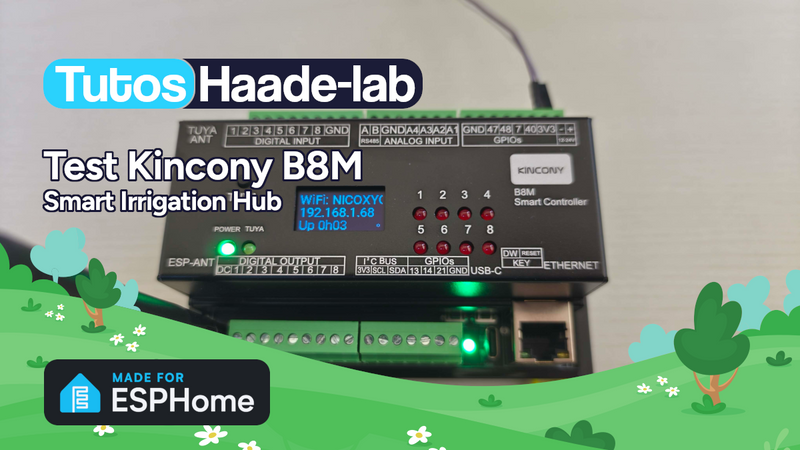
I’ve been looking for a compact and silent multi-channel controller to drive my 24V DC irrigation system for quite some time. After testing Zigbee solutions like the Sonoff SWV or...
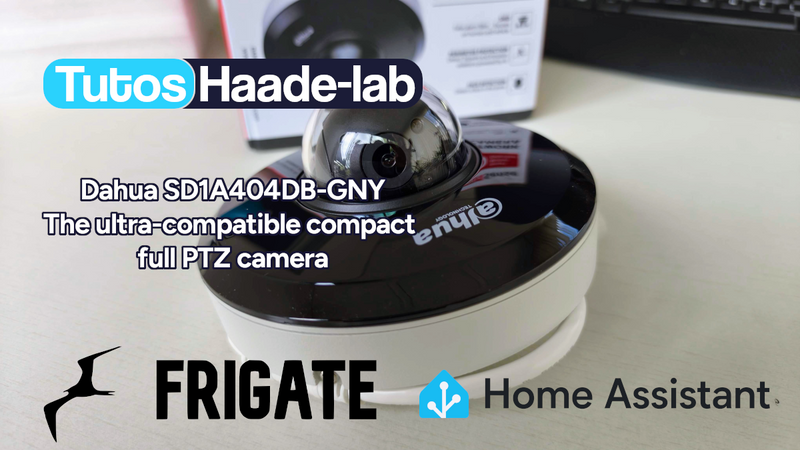
Following my Reolink Trackmix Poe camera test, I mentioned having found my ideal camera with a Dahua model. Well, here we are! Let me introduce the Dahua SD1A404DB-GNY, a compact...
Copyright © 2026 Haade 🎉 by Nicoxygen
 Buy Now out of Domadoo
Comments