
Dongle SLZB-MR4U
By SMLight
Dual-chip multiprotocol dongle with Silabs EFR32MG26 and Texas Instruments CC2674P10 chips, ideal for Zigbee and Thread

This page has been visited ... times
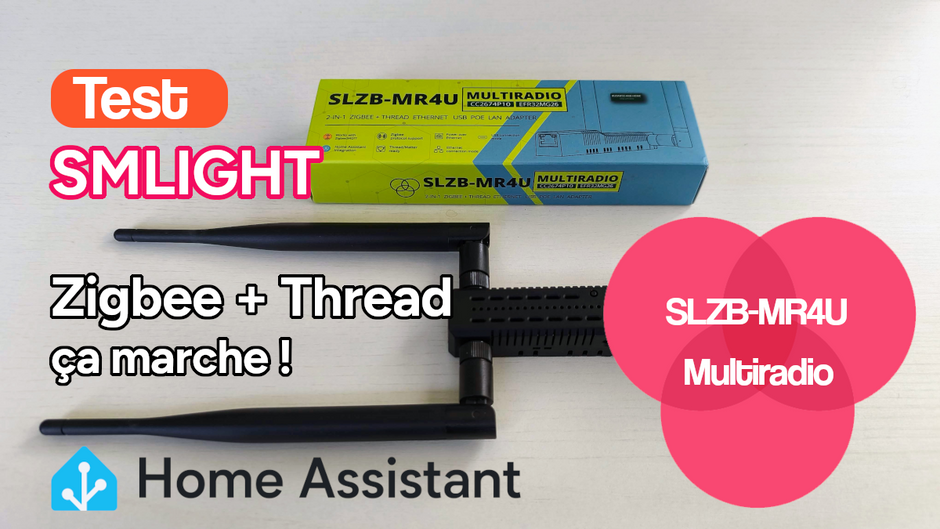
A short while ago, I installed the multipan firmware on a Sonoff Max dongle. The installation worked; I successfully installed Zigbee and Thread modules. However, I quickly encountered instability issues with the antenna’s transmission and reception. Everything is based on a single antenna, and I think the problem stems from the fact that both protocols use the same channels. To address this issue, I asked SMLight to provide me with a multi-radio dongle, and they kindly supplied me with the SLZB-MR4U.
And I must say that I am completely satisfied with this dongle!
SMLight has been supplying dongles for several years, primarily with RJ45 connections, but not exclusively. With numerous chip variants, there’s plenty of choice. In the multi-protocol category alone (multiple chips), there are six variants, including this SLZB-MR4U dongle. Its unique feature is that it possesses both a Silabs EFR32MG26 Zigbee chip and a second Texas Instruments CC2674P10 Zigbee chip. I find this fantastic, especially since both are compatible with Zigbee or Thread—simply incredible! But it doesn’t stop there; the overall management is superbly implemented.
Nothing special, just a box in the colors of Ukraine 😉 and yes, SMLight is a Ukrainian company. The box also mentions compatibility with zigbee2mqtt and Home Assistant! I think that’s fantastic.

Inside, you’ll find a key similar to others from the brand, with two antennas (one for each chip), a tape measure for attaching screws or double-sided tape to the wall, and an Allen key. Only two wall plugs are missing to make this kit truly complete.

The only negative point of the SLZB-MR4U dongle lies in its dimensions and the design of the key, otherwise it’s great.

Let’s move on to the core of the system, and I must say it has evolved very well. In 2024, I tested version 0.9, and now we are on v3.2.4, a stable version. As I write this, the team is already working on version 3.2.6, which is currently in development.

Since this is a production dongle, I deliberately stayed on version 3.2.4 and haven’t encountered any problems. I should point out that the interface displays and responds quickly; you can connect directly to slzb-mr4u.local or .lan if your setup allows it, otherwise you’ll need to search for the IP address.

To keep things simple and best showcase the interface, I’ll use a presentation video.
A key strength of the operating system is the ability to update all firmware via the SLZB-OS interface. Simply select the chip to update, then choose the firmware, and start the process.
Finally, highly simplified hardware updates

Here’s a presentation video that briefly introduces all the features of SLZB-OS, which, as a reminder, is based on an ESP32. Two things struck me: firstly, the fluidity and responsiveness of the pages, especially since I recently tested the Lixee-Box, which also offers an ESP32-based interface. SMLight has real power, and Lixee would do well to take note. Secondly, it’s easy to use and quite fun; everything is intuitive. You’ll find a lot of information in French on the interface thanks to the question mark icons.
SLZB-OS is a polished interface that continues to evolve; I’m 100% satisfied.
One point not addressed in the article but in the video, and not tested, SLZB-OS integrates the zigbee-hub function in beta. This allows you to use the SLZB-MR4U dongle independently without ZHA or ZIGBEE2MQTT. SLZB-OS would then be the only interface needed for the mesh network, and you could connect the modules to HAOS, for example, via MQTT.
Here too, everything is taken care of. Once the dongle is integrated into the network, it’s immediately recognized by Home Assistant. In short, perfect!

Once you add the key to the system, you’ll have access to a wealth of information. Among other things:
The diagnostics list is even more extensive:

The integration into HA is clean, however I note some malfunctions in the reporting of information from the firmwares installed on the dongle SLZB-MR4U, I think this is due to the choice of various installable firmwares, indeed per chip you can choose a stable or development firmware, which makes the information function more complex to report in HA.

The main problem with the multipan on the Sonoff Max dongle, which renders the function unusable in production, stems from frequency and wave range instability. With the SLZB-MR4U and the two chips, this issue is resolved. Having tested it, the waves transmit well for both protocols: Zigbee on one chip and Thread on the other. The range is stable and very good, and the mesh network is suitable for production.
Hardware
| Radio chip 1 | CC2674P10 Texas Instruments |
| Radio chip 2 | EFR32MG26 Silicon Labs |
| Core chip | ESP32-S3 Espressif |
| Ethernet | W5500 WIZnet |
| USB-to-Ethernet Passthrough | Yes |
| Antenna Zigbee | L-I-shaped +5dB Baishi |
| Antenna Thread | L-I-shaped +5dB Baishi |
| Antenna Wi-Fi/Bluetooth | On PCB, +2dB |
| PoE Transformer | SMLIGHT 5V |
Power / Data
| Type-C in | Yes |
| Power-over-Ethernet (PoE) in | Yes |
| Type-C and/or PoE simultaneously | Yes |
| Overvoltage power protection | Yes |
| Otoelectronic isolation | Yes |
| PoE standard Supported | IEEE 802.3af (48V) |
| PoE to USB Passthorugh power | Yes |
| Energy consumption | 1-1.5W |
Device mode
| Zigbee coordinator Z2M/ZHA | Yes |
| Zigbee router | Yes |
| Matter-over-Thread router | Yes |
| Simultenious Zibee+Thread | Yes |
| Standalone Zigbee Hub | Yes |
| Standalone Zigbee Hub | Yes |
| Zigbee/Thread to Ethernet | Available |
| Zigbee/Thread to USB | Available |
| Zigbee/Thread to Wi-Fi | Available |
Compatibility
| Zigbee2MQTT native support | Yes |
| ZHA native support | Yes |
| OTBR Support | Yes |
| Pre-flashed Plug&Play | Yes |
| Ethernet support | Yes, 10/100Mb |
| Wi-Fi support | Yes, 2.4GHz |
| Bluetooth ready | Yes |
| SLZB-OS compatible | Yes |
| Home Assistant integration | Yes |
Features
| USB to Ethernet Passthrough | Yes |
| External 5dB antenna | Yes |
| Internal Wi-Fi / Bluetooth antenna | Yes |
| Radio SoC output gain | up to +20dB |
| ESP32 Flasher integrated | Yes |
| Radio SoC flasher inegrated | Yes |
| Status LEDs | Yes, 6 |
| Button for control | Yes |
Dimensions and weight
| Adapter | 160x24x28mm, 86g |
| Antenna | 192x12x12mm, 15g |
| Packing (full) | 180x25x40mm, 105g |
Operating environment
| Temperature | +5 – +35°C |
| Humidity | < 60% |
If you’re looking for a dongle for multi-protocol support, specifically Zigbee and Thread, then the SLZB-MR4U is for you. If you’re looking for a user-friendly and comprehensive interface, then again, the SLZB-MR4U is for you. If you want to secure everything with a VPN and keep the key separate from your operating system, again, the SLZB-MR4U will suit you. However, if you’re looking for a compact dongle, then you’ll have to look elsewhere and choose a different Zigbee dongle. But if you plan to use multi-pan, I can already tell you that the firmware is still not production-ready.
I 100% recommend this dongle SLZB-MR4U and it’s well worth its 5 stars!
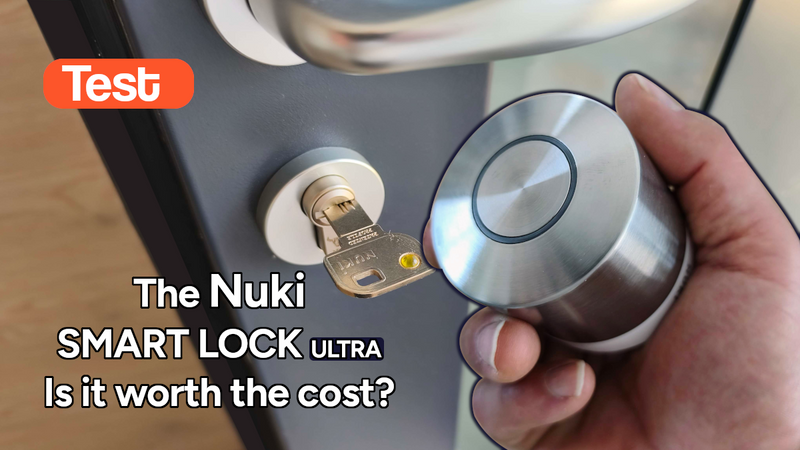
Some time ago I tested the Tedee Go smart lock and its accessories. The product left me with an unfinished feeling: noisy (70dB!), power-hungry and limited in connectivity. Today I’m...

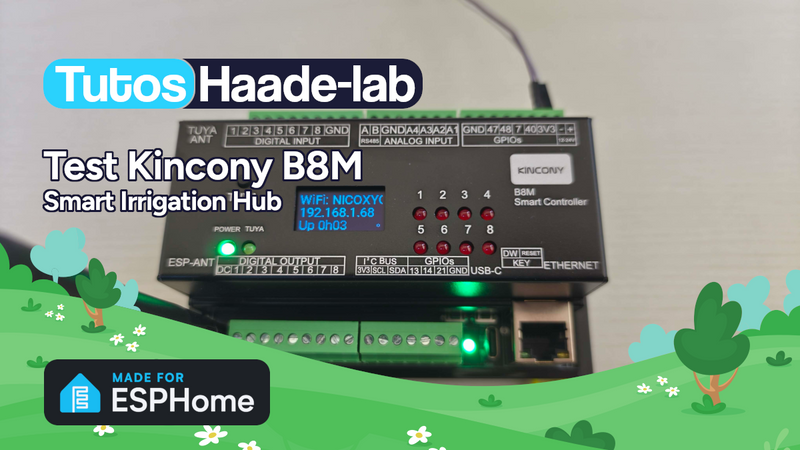
I’ve been looking for a compact and silent multi-channel controller to drive my 24V DC irrigation system for quite some time. After testing Zigbee solutions like the Sonoff SWV or...
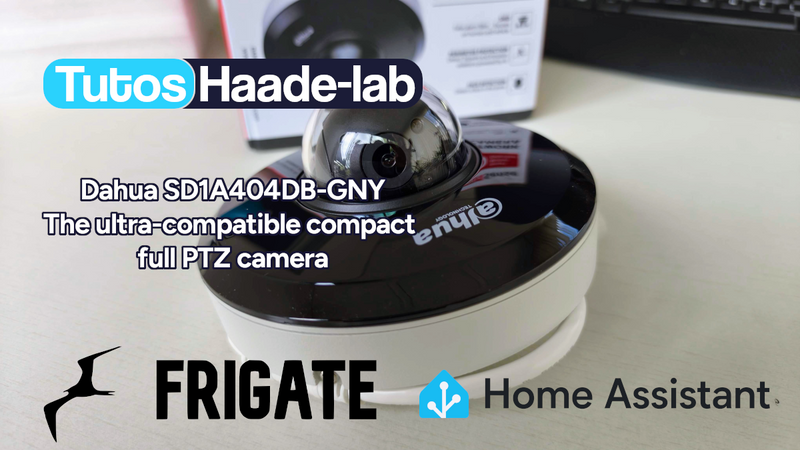
Following my Reolink Trackmix Poe camera test, I mentioned having found my ideal camera with a Dahua model. Well, here we are! Let me introduce the Dahua SD1A404DB-GNY, a compact...
Copyright © 2026 Haade 🎉 by Nicoxygen
 Buy Now out of Domadoo
Comments